


 Admin
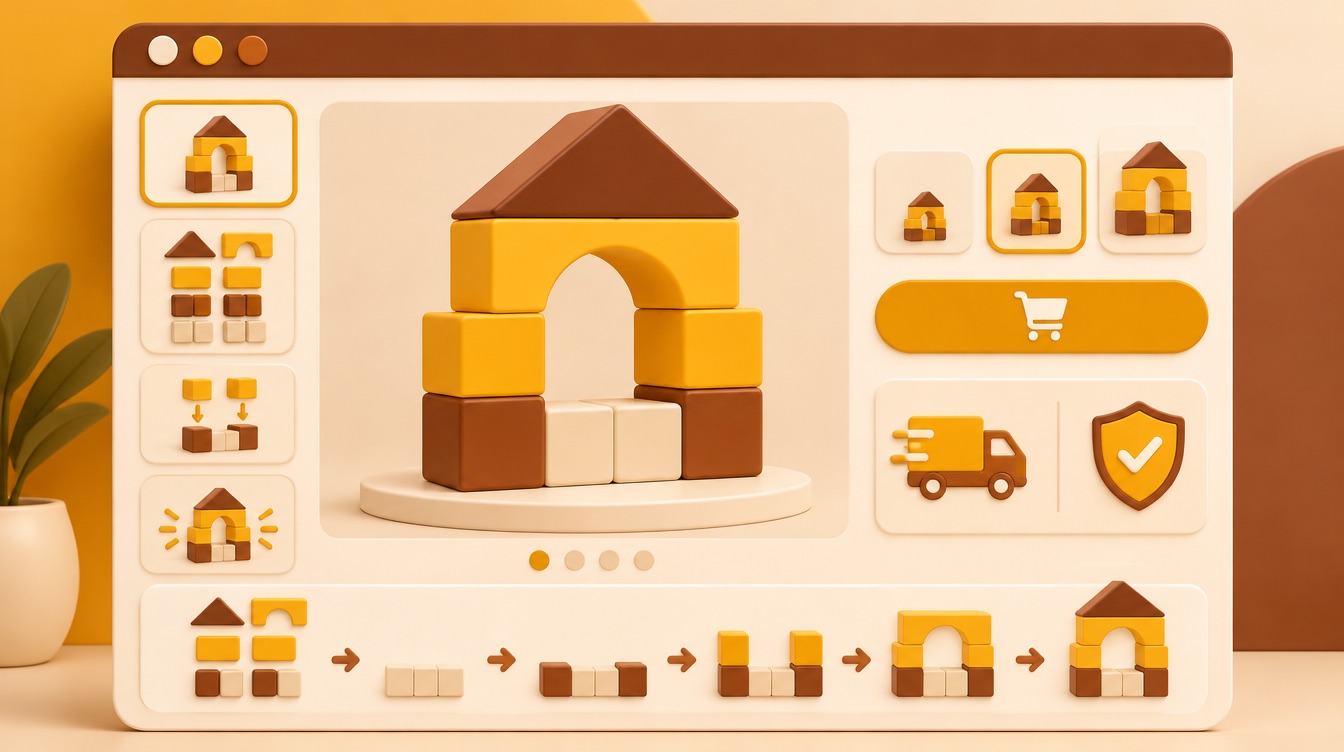
By the time a visitor lands on a product page, they are usually already interested. The page's job is not to persuade but to remove hesitation: what does this do, how does it really look, when will it arrive, can I return it? The eight elements below answer these questions in order.
1. A clear, search-friendly title
Include brand, product type and a distinguishing feature. A model code alone is not enough for visitors or search engines. Avoid stuffing the title with extra keywords.
2. Enough consistent images
A product needs several angles, a sense of scale and use in context. A single studio shot is rarely enough. Using the same background, lighting and proportions across all products makes the store look reliable. Compress images, because page speed directly affects buying behavior. Add a short product video where possible.
3. Clear price and promotion details
Show price together with tax and shipping status. Surprise costs at checkout are among the most common reasons for cart abandonment. If there is a discount, show old and new prices clearly and reference only prices you actually charged.
4. Stock and delivery information
A concrete estimated delivery date convinces far more than 'fast shipping'. State stock honestly; offering a notify-me option for sold-out items can turn a lost sale into deferred demand.
5. Benefit-focused description
Next to specifications, explain what they mean for the user, using only claims you can verify. Break long descriptions with subheadings and short lists and keep the spec table in a separate section.
6. Size and fit guidance
In categories like clothing, shoes or furniture, a large share of returns comes from sizing uncertainty. Size charts, model measurements and notes such as 'fits true to size' reduce both returns and support load.
7. Reviews and questions
Reviews say what the store cannot. Do not delete negative ones; a reasonable reply builds trust. Send the post-purchase review email at the right time. The questions section is a source for moving frequent answers into the product description.
8. Trust and returns information
Show return terms, payment methods and secure payment details in a short block on the page. Offering a summary alongside the product, rather than sending visitors elsewhere, speeds decisions.
Add to cart and mobile experience
The button should be prominent, singular and easy to tap. Since most visitors arrive on mobile, consider keeping it fixed on screen and removing unnecessary form fields. Using Product structured data correctly can help price and availability appear in search results.
You do not need to change everything at once. Start with your five highest-traffic product pages, change one thing, measure and continue. Small measurable improvements add up to a clear difference.